

If your solar inverter shows a red light blinking, it usually indicates a fault or system issue that needs attention. While it may look serious, many red light warnings are caused by common problems that can be diagnosed and fixed quickly. In this guide, we’ll explain what a red light on your solar inverter means, the most common causes, and how to fix them safely.
A blinking red light on a solar inverter usually indicates a fault such as low battery, overload, overheating, or wiring issues.
Quick Answer
A red light blinking on a solar inverter usually indicates a fault such as low voltage, grid issues, overheating, battery problems, or internal errors. The exact cause depends on the inverter model and system conditions.
What Does a Red Light on a Solar Inverter Mean?
Most solar inverters use LED indicators:
- 🟢 Green → Normal operation
- 🟡 Yellow → Warning or standby
- 🔴 Red → Fault or error
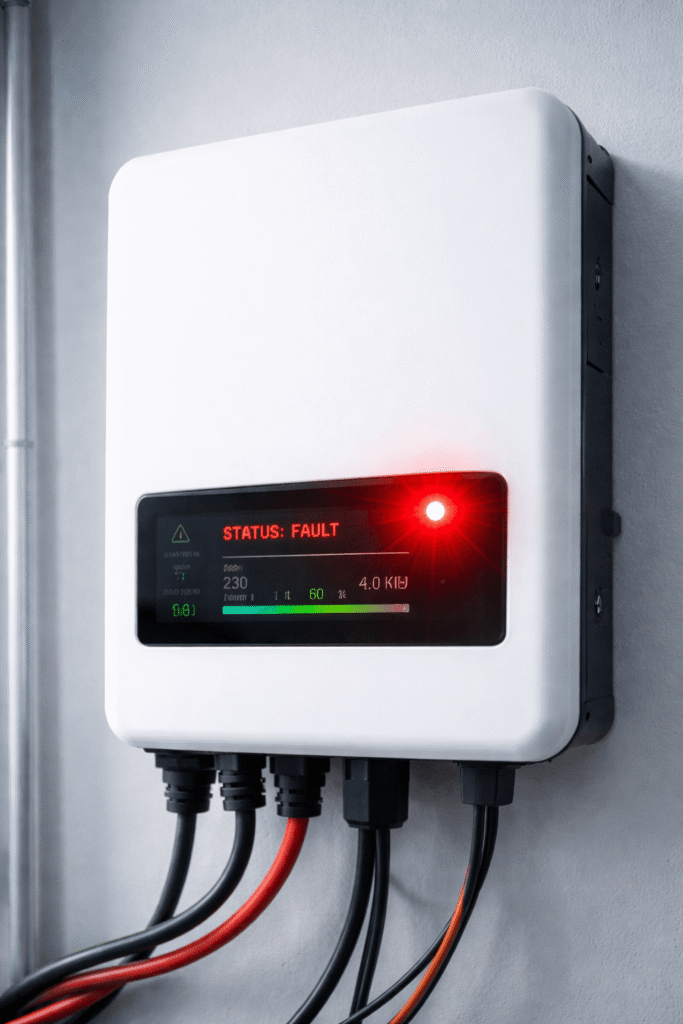
👉 A blinking red light typically means the inverter has detected a problem and may stop or limit power output.
Types of Red Light on Solar Inverter
Not all red lights mean the same thing:
👉 Solid Red Light
- Indicates a serious fault
- System may stop working
👉 Blinking Red Light
- Temporary issue or warning
- System may recover automatically
👉 Red + Other Lights
- Indicates specific error combinations
👉 Always check the inverter display or app for error codes.
Common Causes of Solar Inverter Red Light Blinking
1. Grid Failure or Voltage Issues
If your inverter is grid-tied, it depends on stable grid supply.
👉 Causes:
- Power outage
- Voltage fluctuation
- Frequency issues
👉 Fix:
- Check if grid power is available
- Wait for voltage to stabilize
2. Battery Issues (For Hybrid Systems)
If you have a battery system, problems like:
- Low battery voltage
- Battery not charging
- Faulty connections
can trigger a red light.
👉 Fix:
- Check battery status
- Inspect connections
- Ensure battery is charging properly
3. Overheating
Inverters can shut down due to high temperature.
👉 Causes:
- Poor ventilation
- High ambient temperature
- Dust accumulation
👉 Fix:
- Improve airflow
- Clean inverter
- Avoid direct sunlight exposure
4. DC or AC Wiring Issues
Loose or damaged wiring can cause faults.
👉 Fix:
- Inspect cables
- Tighten connections
- Call technician if unsure
5. Internal Fault or Error Code
Sometimes the inverter detects internal issues.
👉 Examples:
- Hardware failure
- Firmware errors
👉 Fix:
- Check error code on display
- Refer to manual
- Contact service support
6. Low Solar Generation
If solar production is too low:
- Early morning / evening
- Cloudy weather
👉 The inverter may show warning or fault signals.
Common Solar Inverter Error Codes (And What They Mean)
Most modern inverters display error codes along with the red light. Understanding these codes can help you quickly identify the issue.
Here are some common inverter error codes:
- Grid Fault / Grid Failure → No grid supply or unstable voltage
- Over Voltage / Under Voltage → Voltage outside safe limits
- Over Temperature → Inverter overheating
- Battery Low / Battery Fault → Battery voltage or connection issue
- Isolation Fault → Wiring or grounding issue
👉 Always refer to your inverter manual, as error codes may vary by brand.
How to Fix Red Light on Solar Inverter
In most cases, a red light is not a permanent fault. It can be caused by temporary grid issues, voltage fluctuations, or environmental conditions. Follow these step-by-step troubleshooting actions to safely identify and resolve the issue:
Step 1: Check Display or Error Code
Most modern inverters display an error code along with the red light.
👉 What to do:
- Look at the inverter screen or mobile app
- Note down the exact error code
- Refer to the user manual or manufacturer website
👉 This is the fastest way to identify the exact problem.
Step 2: Restart the Inverter Safely
A simple restart can fix temporary faults.
👉 Follow proper sequence:
- Turn OFF AC supply (grid connection)
- Turn OFF DC supply (solar input)
- Wait at least 5–10 minutes before restarting to allow the inverter to fully discharge and reset.
- Turn ON DC supply first
- Then turn ON AC supply
👉 This helps reset internal errors safely.
Step 3: Check Grid Supply and Voltage
If your system is grid-connected, unstable voltage can trigger faults.
👉 Check:
- Is there a power outage?
- Is voltage fluctuating?
- Are circuit breakers tripped?
👉 Wait until the grid stabilizes before restarting.
Step 4: Inspect Battery (For Hybrid Systems)
Battery-related issues are a common cause of red light warnings.
👉 Check:
- Battery charge level
- Battery connections
- Signs of damage or swelling
👉 If battery is not charging properly, you have to check the issue and fix it to ensure proper output.
Step 5: Inspect DC and AC Wiring
Loose or damaged wiring can interrupt system operation.
👉 Check:
- Panel connections (DC side)
- Output connections (AC side)
- Burn marks or loose terminals
👉 ⚠️ Always switch OFF the system before inspection.
Step 6: Check for Overheating
High temperature can force the inverter to shut down.
👉 Inspect:
- Ventilation around inverter
- Dust buildup
- Direct sunlight exposure
👉 Fix:
- Clean the inverter
- Improve airflow
- Install in shaded location if needed
Step 7: Check Solar Panel Output
Low or no input from panels can trigger warnings.
👉 Check:
- Is it daytime?
- Are panels shaded or dirty?
- Any visible damage?
👉 Clean panels if necessary.

Step 8: Review Monitoring App or System Logs
Many inverters have mobile apps or dashboards.
👉 Check:
- Fault history
- Energy production trends
- System alerts
👉 This helps identify recurring or hidden issues.
Step 9: Reset Only if Recommended
Some inverters allow factory reset.
👉 Only do this if:
- Recommended by manufacturer
- Guided by technician
👉 Incorrect reset can erase important settings.
Step 10: Contact Technician or Support
If the issue continues:
👉 Call a certified solar technician if:
- Error code persists
- System is not producing power
- You suspect internal damage
👉 Avoid DIY repairs, as inverters handle high voltage and can be dangerous.
Pro Tip
👉 If your inverter frequently shows faults, the issue may be due to incorrect system sizing or design.
Use our solar calculator to verify your system size.
Advanced Troubleshooting Steps
If the red light persists, follow these detailed checks:
1. Check DC Input from Solar Panels
Ensure your panels are generating voltage during daylight.
👉 If no input:
- Panels may be dirty or shaded
- Wiring may be faulty
2. Check AC Output to Grid or Load
Verify that your inverter is supplying power properly.
👉 If not:
- Grid may be unavailable
- Breaker may be tripped
3. Inspect Earthing and Grounding
Improper grounding can cause inverter faults.
👉 Ensure proper earthing for safety and performance.
4. Monitor System Performance
Use inverter monitoring apps (if available) to check:
- Energy generation
- Fault logs
- System status
👉 This helps identify recurring issues.
Do Different Inverter Brands Show Red Light Differently?
Yes, inverter behavior varies by brand.
- Some brands use blinking patterns to indicate specific faults
- Others display detailed error codes on screen or mobile apps
👉 For example:
- Microinverters may show faults through monitoring apps
- Hybrid inverters may show battery-related alerts
👉 Always check your specific inverter manual for accurate diagnosis.
Temporary vs Serious Red Light Issues
Not all red light warnings indicate major problems.
Temporary Issues:
- Voltage fluctuation
- Weather conditions
- Low solar generation
👉 These usually resolve automatically.
Serious Issues:
- Internal inverter fault
- Wiring failure
- Battery malfunction
👉 These require immediate attention.
👉 If your inverter is completely not working, you can check our article Solar Inverter Not Turning On? 10 Causes + Fixes
Real-World Insight
From real installations:
- Many red light issues are temporary (voltage or weather related)
- Persistent red light usually indicates system fault
- Ignoring warnings can reduce system performance
👉 If your solar system is producing less power, you need to diagnose the issue and fix it.
When Should You Be Concerned?
You should take immediate action if:
- Red light stays ON continuously
- Inverter stops producing power
- Error codes appear repeatedly
- Burning smell or noise
👉 In these cases, contact a professional immediately.
Common Mistakes to Avoid
❌ Ignoring warning signs
Even small issues can grow into bigger faults.
❌ Restarting repeatedly without checking cause
This may damage the system.
❌ Attempting DIY repairs
Inverters handle high voltage — always be cautious.
❌ Not checking system sizing
Improper system design can lead to frequent faults.
👉 Use our solar calculator to estimate the right system size.
How to Prevent Red Light Issues
- Install inverter in a cool, ventilated area
- Perform regular maintenance
- Use quality components
- Ensure proper system design
👉 Choosing the right inverter is also important.
Final Thoughts
A blinking red light on your solar inverter is usually a warning sign that something needs attention.
- Most issues are easy to diagnose
- Early action prevents major problems
- Proper system design reduces faults
👉 Understanding your inverter signals helps you maintain a reliable and efficient solar system.
FAQs
Why is my solar inverter flashing red?
It usually indicates a fault such as voltage issues, battery problems, or internal errors.
Can I fix inverter red light issues myself?
Basic checks can be done, but major issues require professional support.
Does red light mean inverter is damaged?
Not always — many issues are temporary or fixable.
Should I turn off my inverter if red light appears?
Only if necessary. First identify the issue using error codes.
Is a red light on inverter dangerous?
Not always, but it indicates a fault that needs attention.
Can I fix inverter red light myself?
Basic checks yes, but major issues need a technician.
Will solar system stop working with red light?
Yes, in most cases power production stops.
